
Guide To Word Search Creation
Last updated: Sunday February 15th, 2026
Report this blog
Introduction
Word Searches are now available to be made by everyone and that means there is a lot to learn about making quality word search puzzles!
Step 1 - Grid Shape and Size
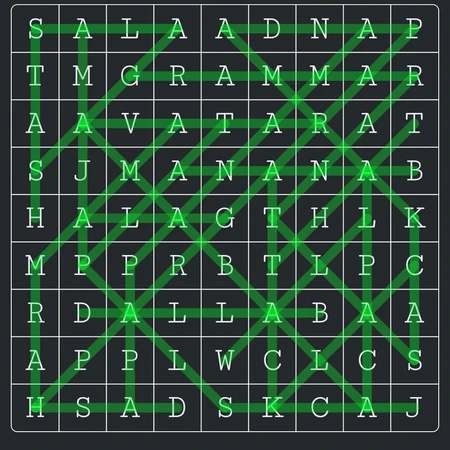
When creating a puzzle you can decide if you want a square/rectangular grid, or a hexagon grid.
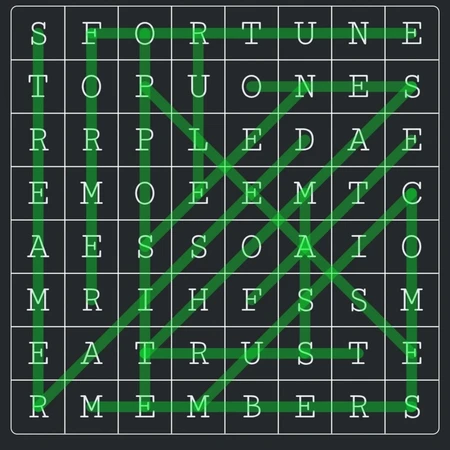
In most cases a perfectly square grid is best, there are 4 directions words can go instead of 3 for hexagons, this makes it more interesting to play and makes for a more pleasing grid.
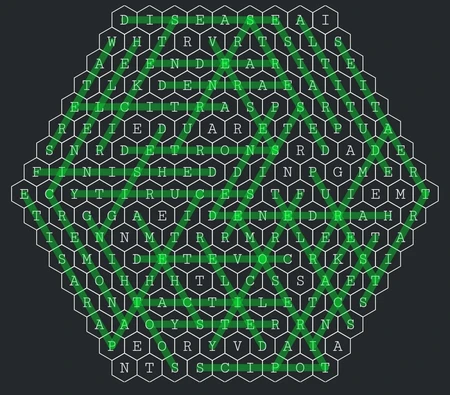
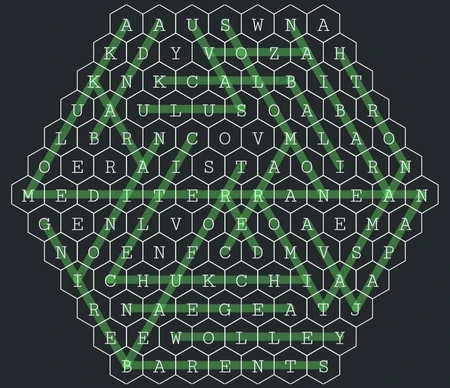
Hexagons are best used if you want a smaller grid with a few longer words that wouldn't fit in a small square grid, or if you want a grid with lots of small words.
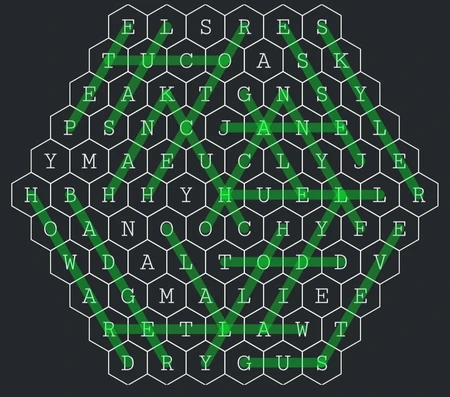
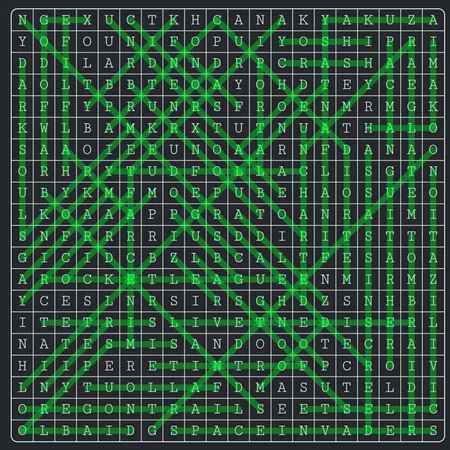
As for the size of puzzles, this partially depends on your theme, but in general, small, dense puzzles are better, they are faster and more fun to play, large puzzles can get tiring, especially if they have loads of words. Aim for 7×7 - 15×15 puzzles, with 15-20 words, these are the most popular type.
Step 2 - Word List
Unless your puzzle has a set amount of words like "Greek Letters", it's best to make your word list as large as possible before starting, that will make everything easier later!
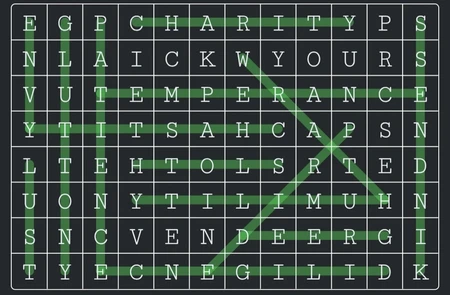
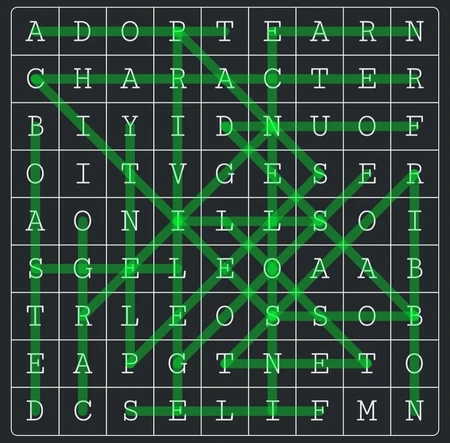
It's best to keep words between lengths of 4-10 letters long, anything from 3-25 is possible, but it's best to not rely on 3 letter words, only using them sparingly if gaps for them exist.
Step 3 - Grid Design
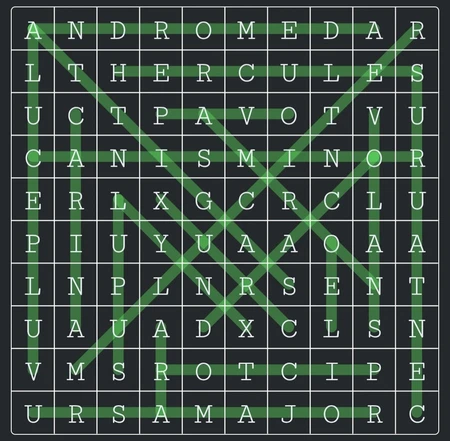
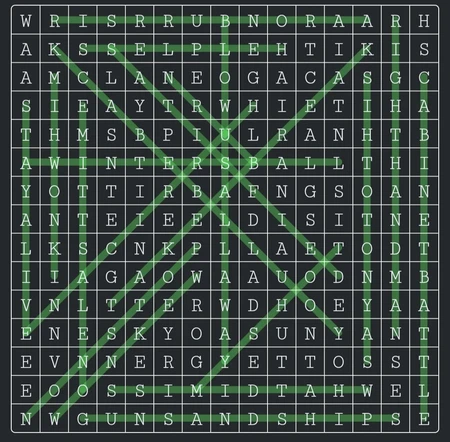
While it might seem tempting to just click generate grid and publish your puzzle, it's important to remember that this only creates a baseline for you, most of the time this will not end making a nice grid.
I would recommend only using generate grid to quickly see if your word list is too big/small or incompatible with the size and shape of your puzzle.
Best way to start in my opinion is to use the add 1 word button and un-doing it until things start falling in place, ideally you want as few remaining cells as possible, and as much overlap between words as possible.
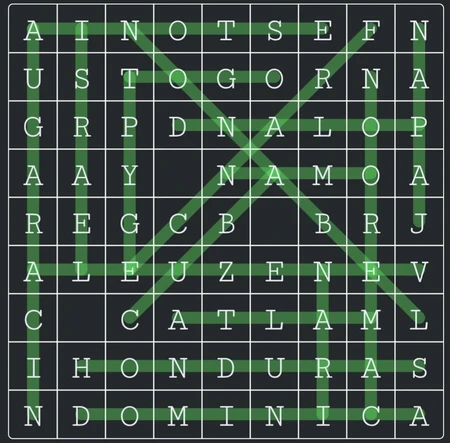
If you think your puzzle is too easy, you can use a variety of hint types to make knowing what the words you are looking for more challenging:
1. Make the words hidden, only the starting letters of the words will be known, along with the amount of words, ex. for Abu Dhabi you would only know that there is at least one word that begins with A.
2. Use the missing letters button, this will make some letters blank, making it harder to guess what the words are, ex. Abu Dhabi would appear as A_U _H_B_.
3. Use the first letters only button, similar to hidden words, but easier since you know the first letter of every word, ex. Abu Dhabi would appear as A__ D____.
4. Use the initials only button, again similar to hidden words and first letters only, but even easier since you now also know the length of every word, ex. Abu Dhabi would appear A. (3) D. (5).
5. Clicking the pencil next to the words, you'll be able to manually add hints, this can be used for cryptic clues, or you can add images to take place of words, ex. Abu Dhabi could be hinted at with "Capital of the UAE", or an image of the city could be used.
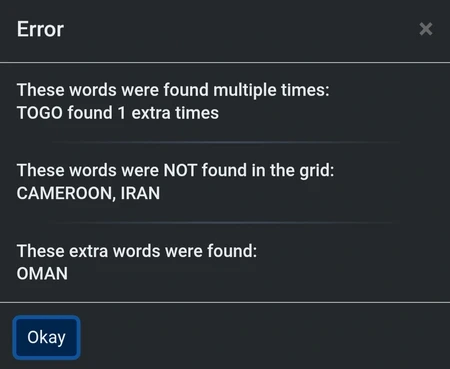
The check grid button is a very useful tool, it will tell you if you have duplicate words, words that are part of the puzzle but not found in the grid, or if a word from the word list not part of the puzzle was found for you to add.
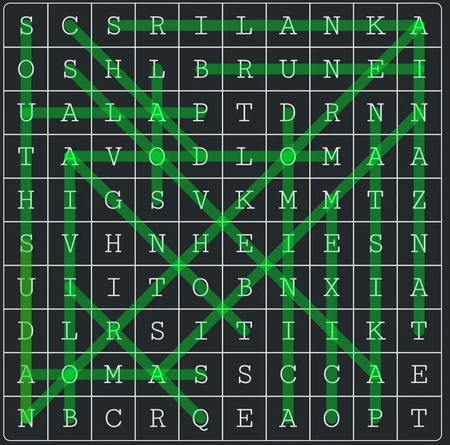
While it won't appear as an error, it is important to not partially overlap words that are going the same direction, ex. having overlap between two vertical words.
And also, while not necessarily wrong, it is best to not completely overlap words, as this can cause frustration for players.
Some more miscellaneous tips to make your puzzles better quality!
• For the most part, it's best to sort your words to be in alphabetical order, and have them start with a capital letter.
• Pick a short and concise name for your word search.
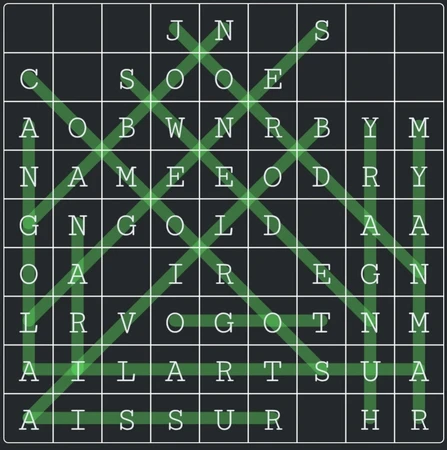
• Make sure there is a good spread of words horizontally, vertically and on both diagonals, and also try to have some diagonal words that come out from the edges of the puzzle, if the "walls" only include horizontal and vertical words this can make it feel boxed-in, with some words just being around a smaller puzzle.
• Most importantly, don't settle for mediocrity! If you find you can't get a good grid whatever you try, maybe it's time to switch things up, tinker with the size or shape of the puzzle, maybe remove a problematic word or loosen the theme to add a few more words.
Sometimes it's necessary to do most of the work by hand, or at least the beginning and the end.
Remember that the "walls" of the puzzle will usually be the weakest parts of what automatically is generated, so try removing most of what is there and play around with adding words that can squeeze diagonally into the puzzle, instead of having it feel as a unnecessary extension of the grid.
When you've finished filling up your grid, if spaces remain, it's time to add a hidden message, one related to the theme of the word search, while not necessary, it's a fun reward for completing the puzzle, ex. "Frankenstein Time" for Mega Body Parts.
That's all for the basics, play around with the puzzle creator and have fun making word searches!
also nice blug