

Google Easter Eggs #1
First published: Monday March 31st, 2025
Report this blog
What's An Easter Egg?
In short terms, an easter egg is a hidden feature that's more of a fun thing to find rather then something useful. Since Google is a search engine, they've added countless little quirks a fun tidbits in there, via search results, their services, and more. In this blog, I'll be listing some of the most popular or interesting ones, including google's many useful. Hope you enjoy (and I hope you don't use Microsoft!).
Google Tools
These aren't easter eggs, but a list of useful google tools that don't take the form of a search result generated by google. Most serve as information, make finding information easier or deal with math, but a few are a little different.
Graphs (graph for [equation])
Formula Calculator (find [thing] of a [thing] )
Population Graphs ([country] population)
Song Lyrics ([song] lyrics)
Conversion (how many [unit #] in [unit #])
Countdown (how many days until [day])
Coordinates [# direction # direction]
Google has its set of extremely useful features, and nearly all of us have used one of these at one point. Well, except for the metronome. However, not everything useful is something worthwhile...
Google Doodles
As you might know, google makes games or stories to commemorate certain events, which you can click on straight from google.com. There are hundreds and even thousands of google doodles, which can all be found in the Google Doodle Archive (I will not list any here, but I might make a blog for those if the community wants it). Great for when you have nothing to do and want a quick game to play.
Golden Eggs
This category is full of major, well-known google features that aren't exactly useful but fun to play around with, and are more of things to do when you're bored than hidden easter eggs.
Search up 'I'm feeling curious' and you'll get a random fun fact every time.
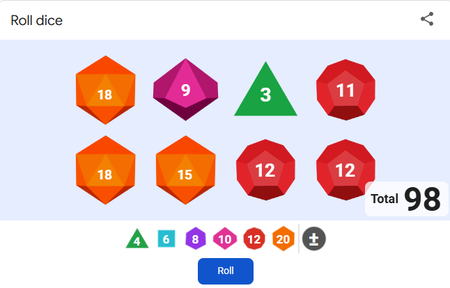
Search up 'dice' and you'll have a box with the option to roll a 4, 6, 8, 10, 12, or 20-sided dice. You can add an alarming number of dice, different types of dice and an extra number after your dice is rolled.
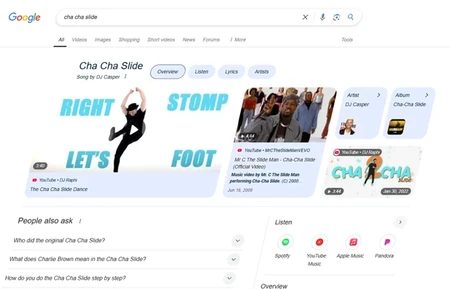
The song we all know a love. Search it up on google and click the sparkling microphone to the left of the title, and the screen will 'dance' to the music!
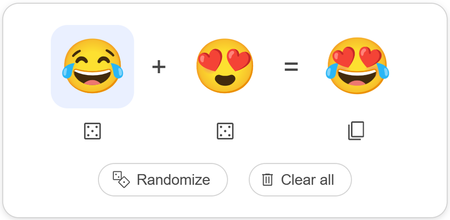
In google's emoj kitchen you can add any two emojis you want together to make a new emoji, which you can copypaste and use wherever else you'd like. It's extremely fun to play around with and make weird-looking creations.




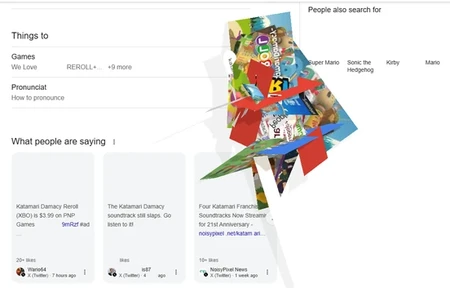
Click on the little ball in the top right corner and a Katamari ball pops up. You can roll it around the page, collecting text and images and causing havoc on the webpage.
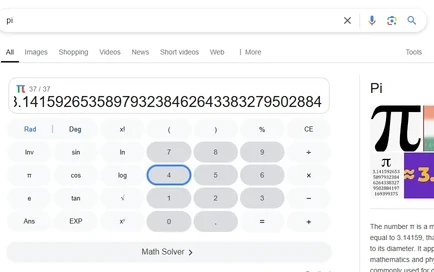
On the google calculator, typing pi or the pi symbol brings up a sparkling symbol in the corner. Click on this and you can memorize pi, one digit at a time. What's your high score?
More on the Calculator
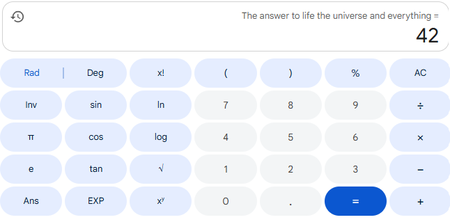
The answer to life, the universe, and everything gives you 42 on the calculator. The number of horns on a unicorn or the loniest number both give you 1, and baker's dozen equals 13. You can also do complex math such as this!

Splat your screen
Want to make your screen a complete mess? Do this by searching splatoon, holi, or la tomatina and click the gif next to the text to fling paint, color, or tomatoes at your screen.
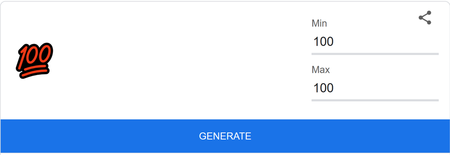
There are two easter eggs you can find here. Trying to generate a number between at least one value over 10 billion will cause a 😵 emoji to pop up. Similarly, making both the minimum and maximum 100 will cause a 💯 emoji to pop up.
Other Easter Eggs
I can't give every hidden quirk a picture and explanation. Here are more interesting google easter eggs.
DVD screensaver makes the google logo bounce around the screen.
Do a barrel roll causes Google to spin around the screen.
Searching askew makes the page tilted.
Searching Super Mario Bros and clicking the question block gives you coins.
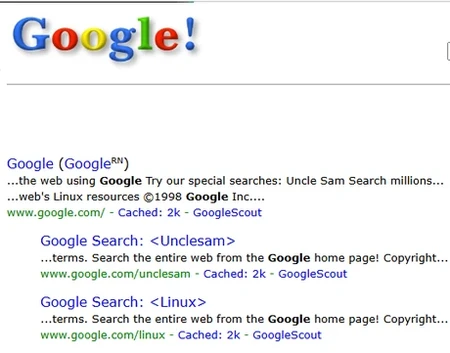
Google in 1998 shows you what google looked like back in 1998.
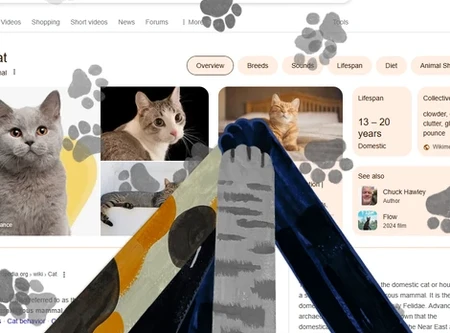
Searching cat or dog and pressing the paw in the corner allows you to summon arms to mark the screen with pawprints.
Searching Conway's Game of Life causes life to form around the screen.
Searching drop bear and clicking on the danger sign causes a bear to fall to the bottom of the webpage.
Searching festivus causes a pole to appear on the left side of the screen.
Searching sonic the hedgehog and clicking the gif next to the text causes sonic to do a spin animation. Click quickly and see what happens!
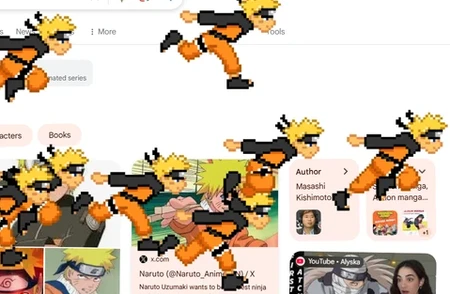
Searching naruto and clicking the swirl symbol causes him to duplicate and swarm the screen.
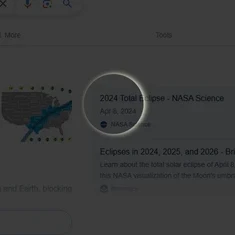
Solar eclipse 2024 runs a quick animation of a solar eclipse.
Search is google down on Google for the obvious answer.
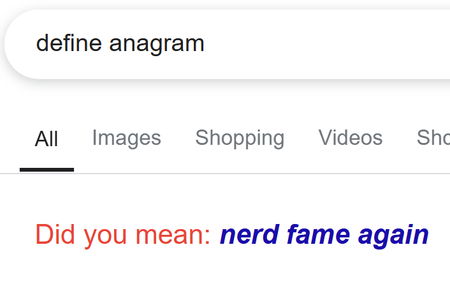
Search 'anagram' or 'define anagram' to receive a 'did you mean?' suggestion.
Search once in a blue moon to receive your answer.
Bletchley Park gives you interesting results.
Searching chicxulub causing an asteroid to fly across the screen.
Searching perseverance rover and clicking on the drone causes it to fly around Mars.
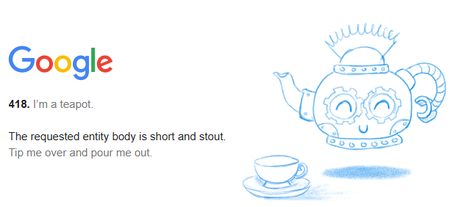
Searching error 418 gives you the 'I'm a teapot' error message.
Searching recursion suggests the exact same thing again - recursion!
Searching kerning will kern the letters on the page, though it's hard to see the difference.
Search google logo history for a box on the history of google's logo.
Webdriver torso causes the google logo to become changing rectangles.
Google surprise spinner gives you a random google doodle to play
Searching Paddington brings up a sandwich button, which you can click to throw sandwiches.


Outro
As always, thanks for reading. This blog hopefully was fun to read and not messy and excruatingly long and boring. Happy April Fool's Day!
Also, I'm not sure when I'll post the JetPunk features ranking blog/JetPunk Hunger Games blog. I'm excessively bored right now and emotional, but I'll publish both one day, I promise, next easter egg blog coming if this gets 50 likes possibly in the next two weeks.
My lesson to you: schedules are the bane of society.
- Kilo
Shh...I've hidden three easter eggs of my own in this blog. See if you can find them!
🥚
Love the formatting, I'm in a rush but I'll go through and try all these later